.webp)

.jpeg)
 ChatGPT
 Perplexity
 Gemini
 Grok
Grok
 Claude
A sales proposal template is a reusable framework that structures your offer into the sections buyers expect, cover, executive summary, problem, proposed solution, scope, pricing, timeline, proof, and signature, so you can send a polished, persuasive proposal in minutes instead of hours. This guide gives you the full structure, an annotated sales proposal example, a format comparison (Word, PDF, PowerPoint, interactive), and a step-by-step walkthrough on how to write a sales proposal that closes.
Most articles do one thing: hand you a static file or tell you how to write one. This is both, plus the part the galleries skip. In 2026, the highest-converting sales proposals aren't files at all. They're trackable, signable web pages your prospect opens in one click. We'll show you the components, the formats, a real agency example, and exactly how to build one.
What is a sales proposal template?
A sales proposal template is a pre-built, reusable document structure that organizes your offer into the standard sections a buyer expects, so you can fill in client-specific details instead of writing each proposal from scratch. It standardizes your structure, keeps your branding consistent, and shortens the time between a discovery call and a sent proposal.
A quick distinction people get wrong: a sales proposal is a targeted offer to one prospect, written to close a specific deal, it leads with their problem and your pricing. A business proposal is broader and often unsolicited, used to open a relationship. If you want the wider version, see our business proposal template. Everything below is sales-specific: built to move one prospect from "interested" to "signed."
The template isn't the point. The close is. A good template removes the busywork so you can spend your energy on the two things that actually win deals, understanding the client's problem and pricing your solution to feel like a no-brainer.
What to include: the 9 key sales proposal components
A complete sales proposal has nine components. The first eight build the case; the ninth closes it. Skip any of them and you give the prospect a reason to stall. This structure mirrors the consensus across sales playbooks like Zendesk's guide to writing a sales proposal and HubSpot's business proposal guide, adapted for agencies and freelancers selling services.
These are the core sales proposal components every template should contain:
1–3: Open by proving you listened
The cover page and executive summary are your first impression, keep them tight. The executive summary is the single most-read block: write it last, lead with the client's outcome, and never make it about you. The problem section is where you win trust. Restate the client's challenge in their own language. When a prospect reads "you actually get it" in the first 200 words, the rest of the proposal reads as a foregone conclusion.
4–6: Make the offer impossible to misread
The proposed solution explains your approach without drowning them in process. The scope section is your insurance policy, list deliverables and exclusions, because vague scope is where projects (and margins) die. Pricing should always be presented as options, not a single number. Two or three tiers let the prospect choose how much to buy instead of whether to buy, and they anchor your price against a higher one.
7–9: Build momentum to the signature
Timeline and milestones turn an abstract price into a concrete plan, and milestone-based payment schedules protect your cash flow. Social proof, one case study that mirrors their situation, does more than a page of self-praise. And the close: clear terms, an e-signature, and a single call to action. Under the ESIGN Act, electronic signatures are legally valid for commercial agreements across the United States, so there's no reason to make a client print, sign, and scan. Every extra step between "yes" and "signed" is a chance for the deal to cool.
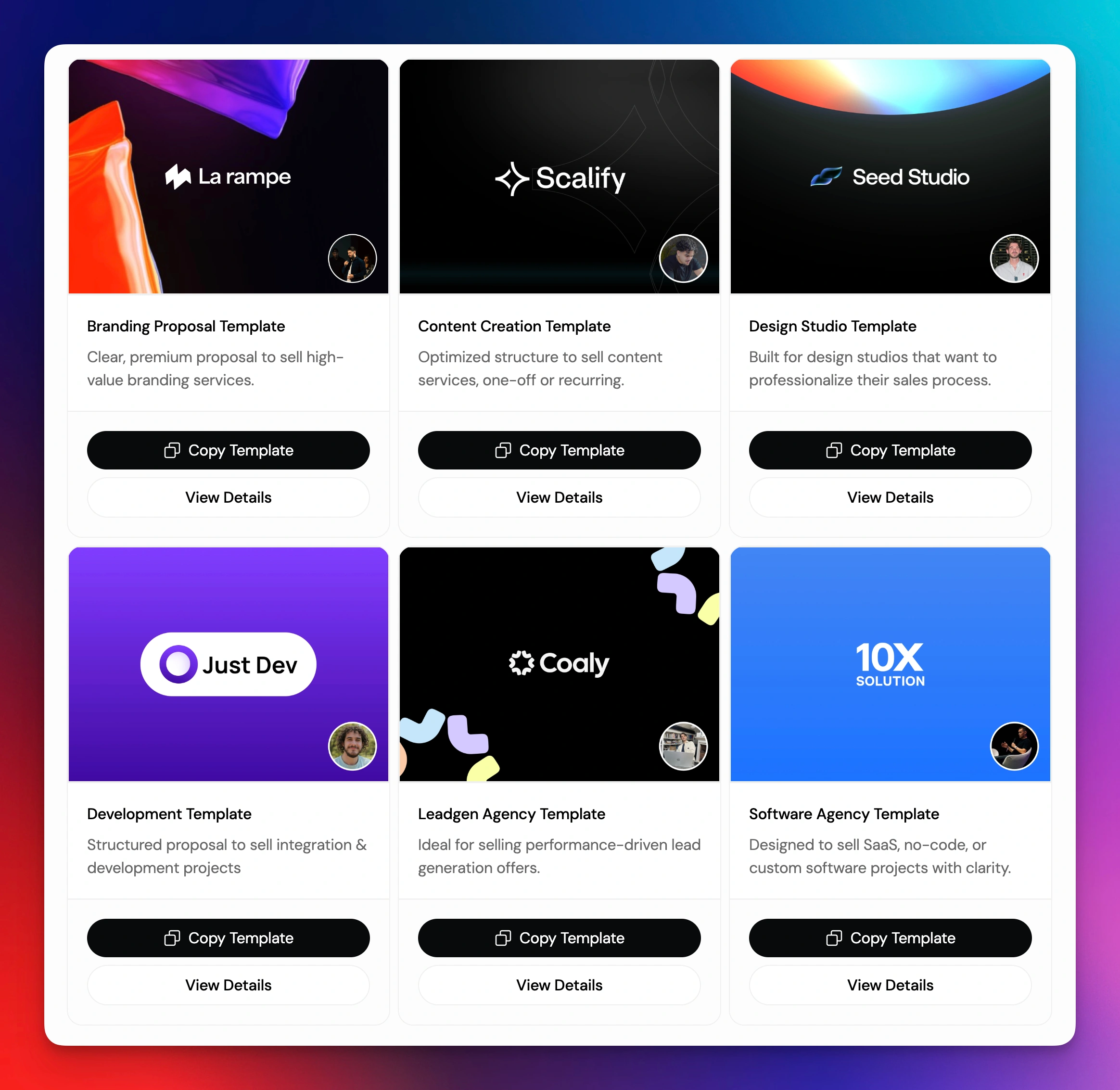
Want this structure pre-built? Skip the blank page, start from a free interactive proposal template that already includes all nine components, ready to brand and send.
Sales proposal template by format
The same nine components can live in four very different containers, and the container decides what your proposal can do after you hit send. Here's the honest comparison of a sales proposal template Word file versus PDF, PowerPoint, and interactive web formats.
Word and Google Docs are the default for a reason: everyone has them, and a sales proposal template free download takes thirty seconds. The catch is they're static. You email a file, then go dark, no idea if the client opened it, which section they reread, or whether they forwarded it to a decision-maker.
PDF locks your formatting so the proposal looks the same on every screen, which is why it's the most common send format. But a PDF is a dead end: no tracking, no native signature, no path to payment.
PowerPoint shines for proposals you present live on a call. For something a prospect reviews async and shares internally, slides fragment the story.
Interactive web proposals are the 2026 standard for B2B services. The proposal is a link, not an attachment. You see the moment it's opened, how long they spend on pricing, and whether they shared it. The client signs and pays in the same page. This is the format incumbents like PandaDoc and Proposify pioneered for sales teams, and the one Propal built specifically for agencies and freelancers, with embeds for Loom, Calendly, Notion, and Miro baked in.
The takeaway: use Word for the first draft if you like, but send in a format that can track, sign, and close. A static file optimizes for your convenience; an interactive proposal optimizes for the close.
Sales proposal example (annotated)
Here's a condensed sales proposal example for a digital agency pitching a website redesign to a B2B SaaS client. We've annotated each block so you can see why it's there, not just what it says.
Cover, Website Redesign Proposal · Prepared for Northwind SaaS · July 2026
🔎 Names the client and dates the offer. Sets a 30-day validity so the price isn't open forever.
Executive summary
"Northwind's current site converts visitors at roughly half the rate of your closest competitors. This proposal outlines a six-week redesign focused on your three highest-traffic pages, designed to lift demo signups without a full rebuild."
🔎 Their problem, your solution, the outcome, in three sentences. Written from their point of view, not ours.
Problem / context
"In our discovery call, you flagged three issues: a homepage that buries the product, a pricing page with a 70% drop-off, and a blog that doesn't route readers to a demo. We've structured this proposal around exactly those three."
🔎 Echoes their own words back. This is the trust-builder, it proves we listened.
Proposed solution
"A conversion-first redesign of the homepage, pricing page, and demo flow, built in Webflow so your team can edit copy without a developer."
🔎 The what and why. We name the platform (a benefit to them) without drowning them in process.
Scope & deliverables
✅ Redesign of 3 page templates · ✅ Mobile-responsive build · ✅ One round of revisions per page · ✅ CMS handoff + 30-min Loom walkthrough
❌ Not included: copywriting, net-new illustration, ongoing maintenance
🔎 Listing exclusions prevents scope creep and protects margin. Vague scope kills agency profitability.
Pricing & options
🔎 Three tiers. The prospect chooses how much to buy, not whether. "Recommended" anchors the middle option. (Illustrative numbers, set yours to your market.)
Timeline & milestones
🔎 Milestone payments protect cash flow and make the price feel like a plan, not a lump sum.
Social proof
"We ran the same redesign for a Series A fintech and lifted their demo signups meaningfully within one quarter." (One relevant case study + an embedded Loom walkthrough of the result.)
🔎 One mirror-image case study beats a wall of logos. The embedded video only works in an interactive format.
Terms + signature + CTA
"Ready to start? Sign below and book your kickoff call, this proposal is valid for 30 days."
🔎 One action. E-signature + an embedded Calendly booker mean they can say yes inside the proposal.
This same example, built as a static Word doc, loses the embedded Loom, the live signature, and the Calendly booker. Built as an interactive page, the agency also sees exactly when Northwind opened it and which pricing tier they lingered on, the kind of signal that tells a rep precisely when to follow up. For more on use-case-specific structures, see our project proposal template.
How to write a sales proposal step by step
Knowing the components is half the battle. Here's how to write a sales proposal end to end, a repeatable, seven-step process you can run for every deal.
Step 1, Qualify the deal first
Don't write a proposal you can't win. Confirm budget, timeline, decision-maker, and a real need before you invest time. A proposal is a closing document, not a discovery tool. If you're still uncovering requirements, you're not ready to write.
Step 2, Start from a template, not a blank page
Open your sales proposal template so the nine components are already in place. This alone cuts drafting time dramatically and guarantees you never forget the scope exclusions or the signature block. Reuse beats rewriting every time.
Step 3, Personalize the opening
Rewrite the executive summary and problem section for this client, in their words. This is the 20% of the proposal that does 80% of the persuading. Pull direct quotes from your discovery call. Generic openers are why proposals get ignored.
Step 4, Price with options, not one number
Build two or three tiers. Mark one "recommended." Tie payments to milestones. Options shift the buyer's question from "should I?" to "which one?", and an anchor tier makes your target price feel reasonable.
Step 5, Add proof that mirrors their situation
Insert one case study or testimonial from a similar client. Relevance beats volume, a single mirror-image result outperforms ten unrelated logos. If your format allows it, embed a short video walkthrough instead of a paragraph.
Step 6, Send a trackable, signable link
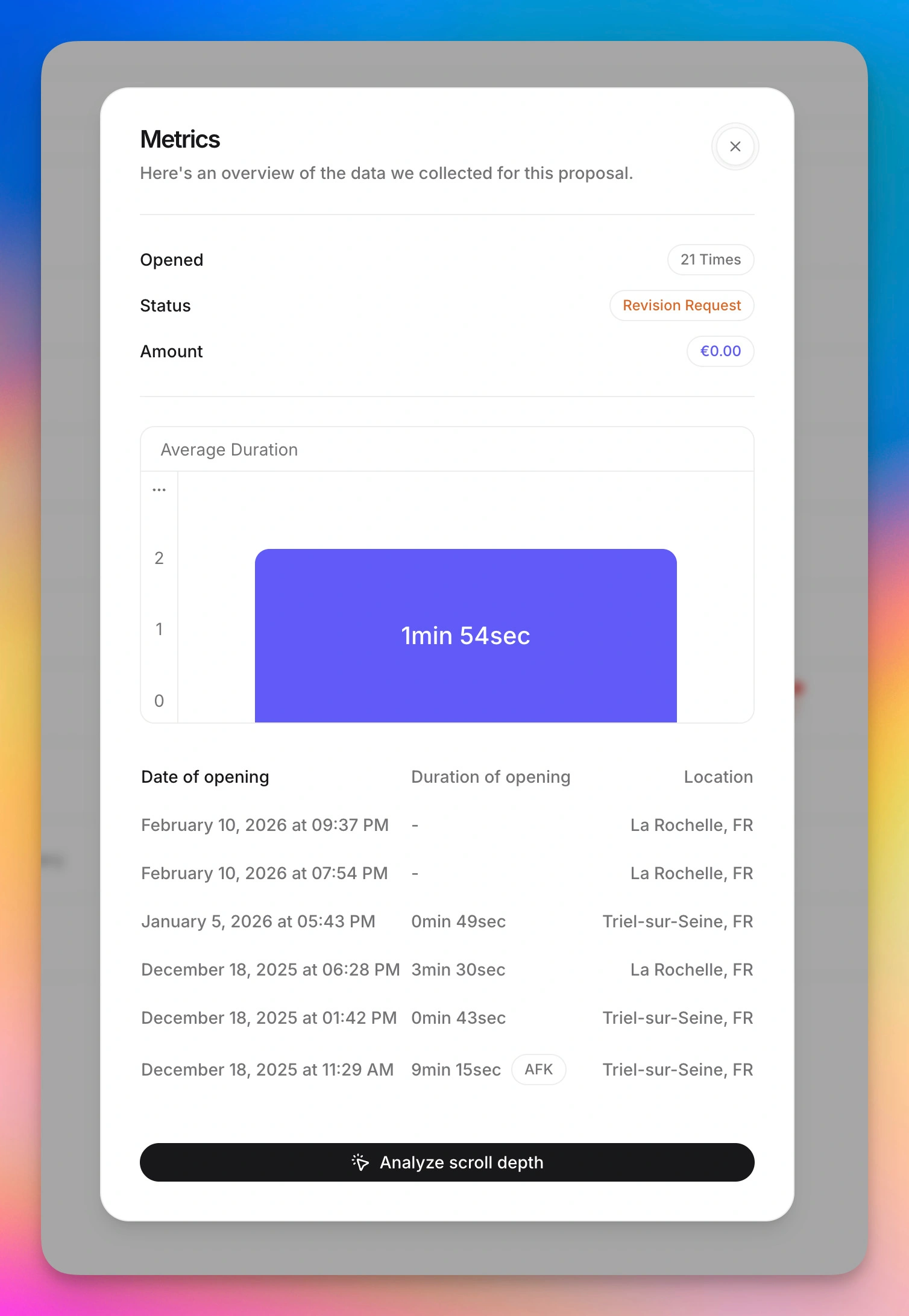
Send the proposal as a link, not a file. With an interactive sales proposal, you'll see when it's opened, which sections get attention, and whether it was forwarded, and the client can e-sign and pay in the same page. A static PDF gives you none of that signal.
Step 7, Follow up at the right moment
The proposal isn't the finish line. Tracking tells you when to follow up, the day they reopen the pricing section is the day to call. Without tracking, you're guessing. With it, your follow-up lands exactly when interest peaks.
Run this process in minutes, not hours. Browse interactive proposal templates → with the nine components, tracking, e-signature, and Stripe payments already wired in.
Free sales proposal template
You can absolutely start with a free static download, and there are plenty. But if you want a sales proposal template free of the limitations that cost you deals (no tracking, no signature, no payment), an interactive template is the upgrade that pays for itself on the first close.
Propal gives agencies and freelancers a free trial of interactive sales proposal templates that include:
- All nine components, pre-structured and ready to brand
- Real-time tracking, know when a prospect opens your proposal and which sections they read
- Built-in e-signature (eIDAS / ESIGN-compliant) so clients sign without printing
- Stripe payments embedded, collect a deposit the moment they sign
- Embeds for Loom, Calendly, Notion, and Miro to make the proposal interactive
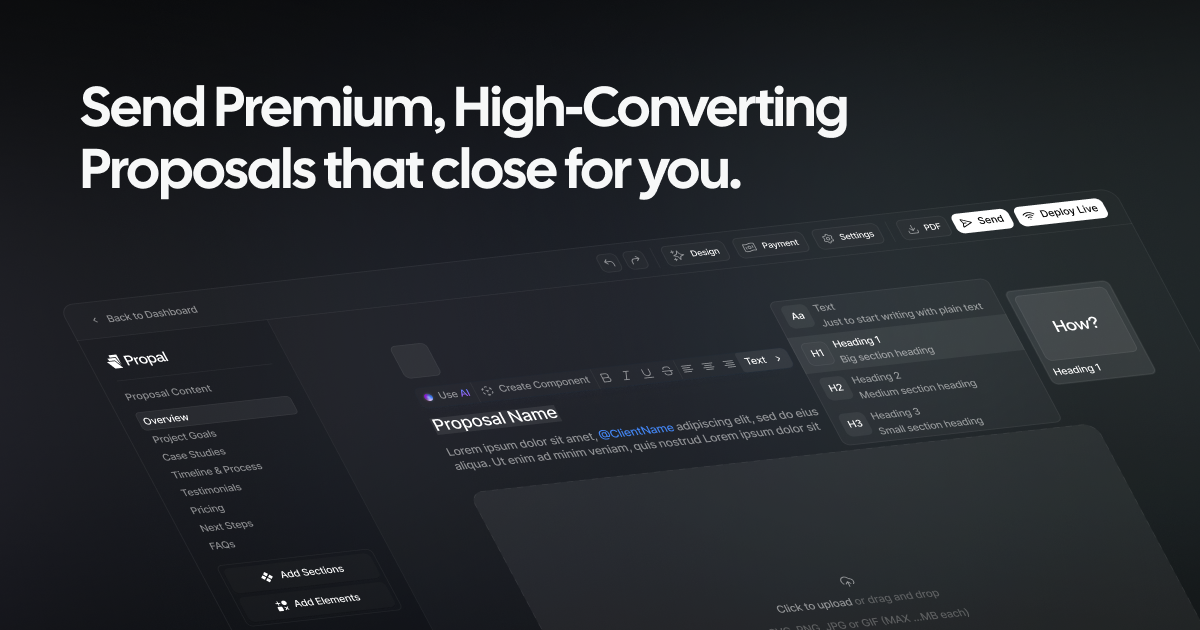
Propal's whole reason for existing is to help agencies close deals 40% faster by giving the buyer a richer, more actionable experience than any document can. If you generate your first draft with an AI proposal generator, you can drop it straight into an interactive template and send a trackable link the same afternoon.
We won't pretend an interactive proposal is right for everyone. If you send one proposal a quarter, a free Word file is fine. But if proposals are how you make a living, the format you send in is a revenue decision, not a stylistic one.
Conclusion
A strong sales proposal template does three things: it gives you the nine components buyers expect, it keeps your branding and pricing consistent, and it frees you to spend your time on the parts that actually close, understanding the client's problem and pricing your solution as a no-brainer. Use the structure and annotated example above to build yours, send in a format that can track and sign, and follow up the moment the prospect reopens your pricing page.
The biggest lever in 2026 isn't a better Word file. It's sending a proposal that's also a deal-closing link, trackable, signable, payable, in one click.
Keep building your proposal toolkit:
- Business proposal template, the broader, relationship-opening version
- How to write proposals with AI, draft faster, then send interactive
- Project proposal template, for scoped, milestone-based work
- Interactive proposal templates, all nine components, ready to send
.webp)